Theme features
Everything Gazette can do, and how to set it up.
Gazette is an editorial Ghost theme for magazines, lifestyle publications and independent writers. It puts the stories first: generous images, comfortable typography and a homepage that reads like the front page of a magazine.
This page walks through what the theme does and how to configure it. Everything shown here is available out of the box, without code.
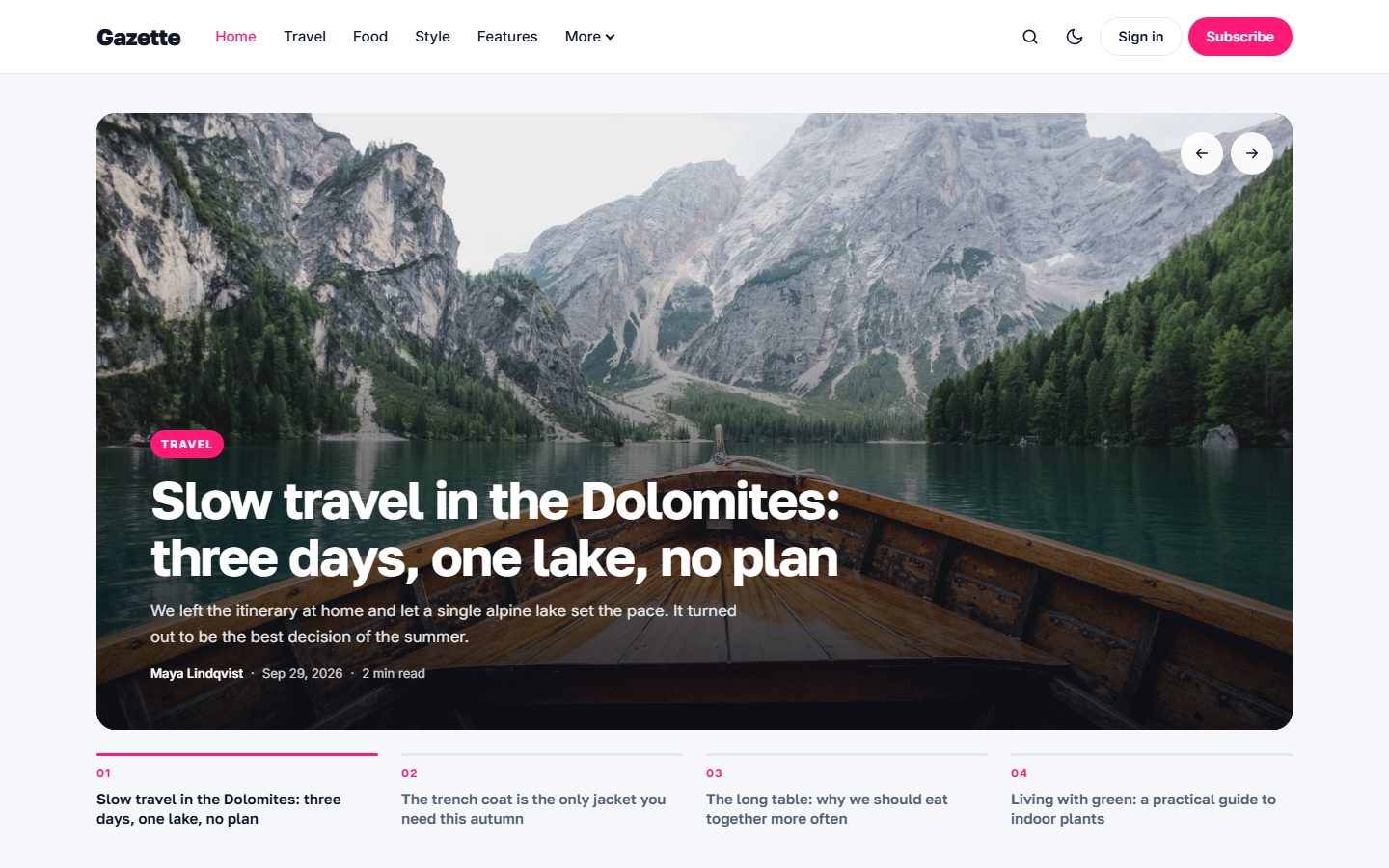
A homepage built like a magazine
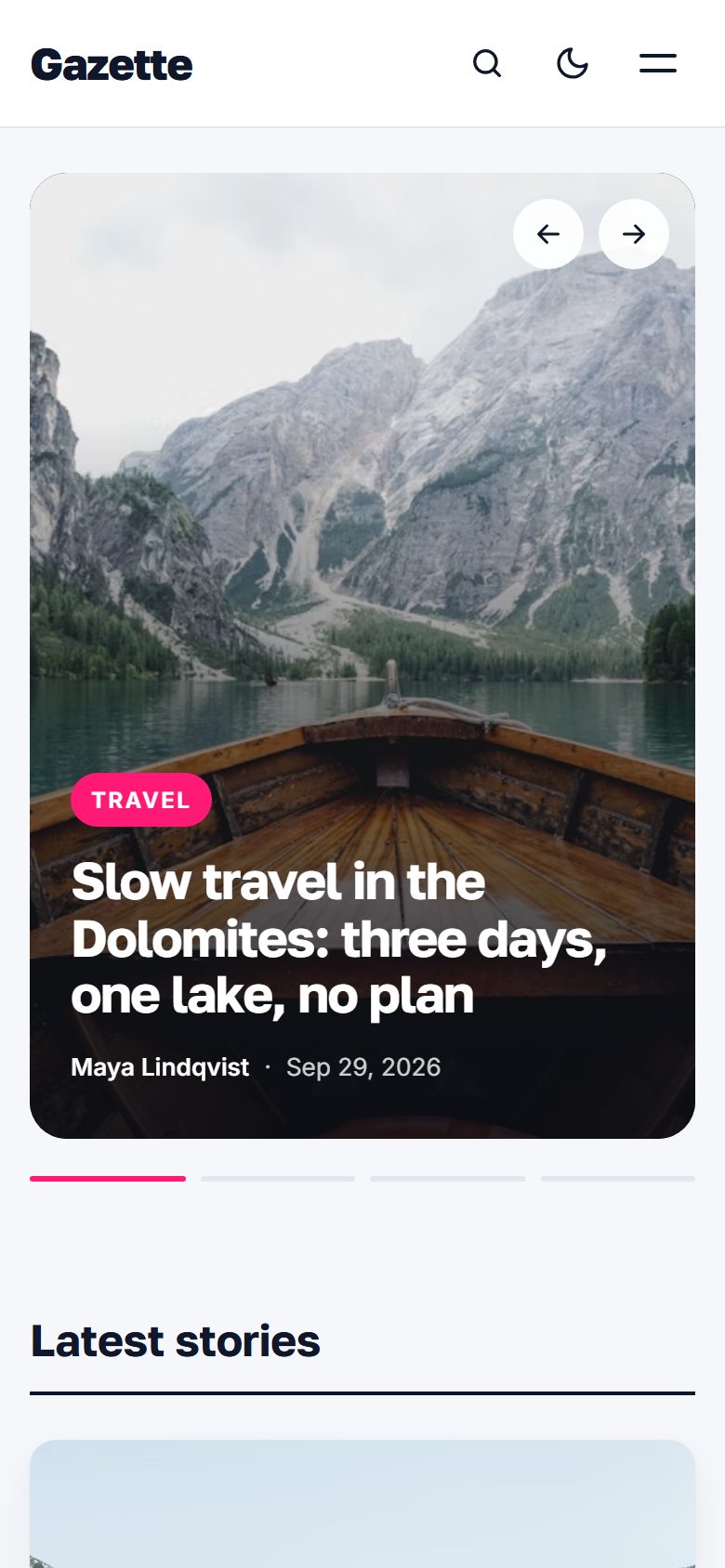
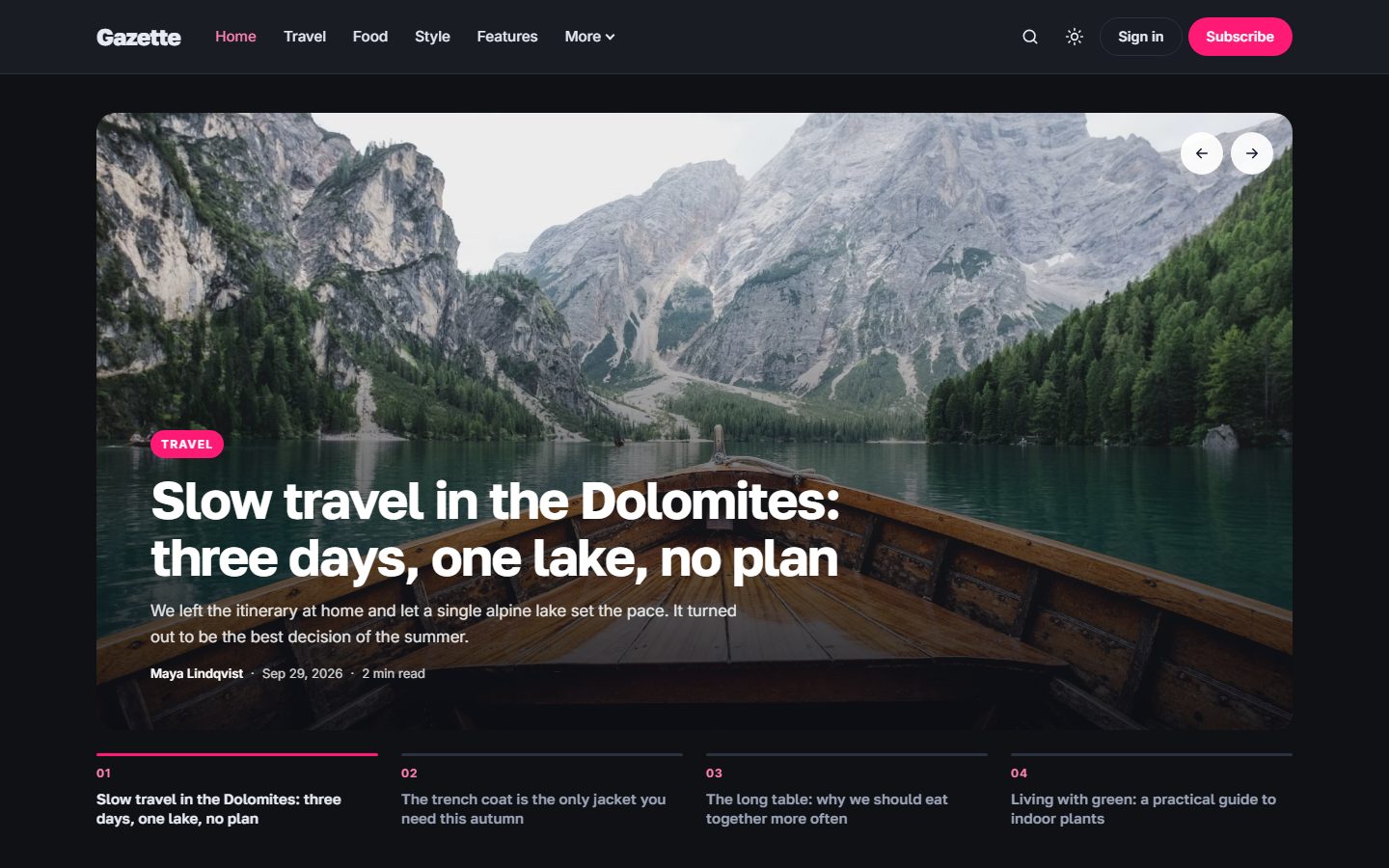
The default Front page layout opens with a large slider of your featured stories. Each slide shows the image full width with the title, excerpt and author on top, and a row of progress tabs underneath so readers can jump to any story.
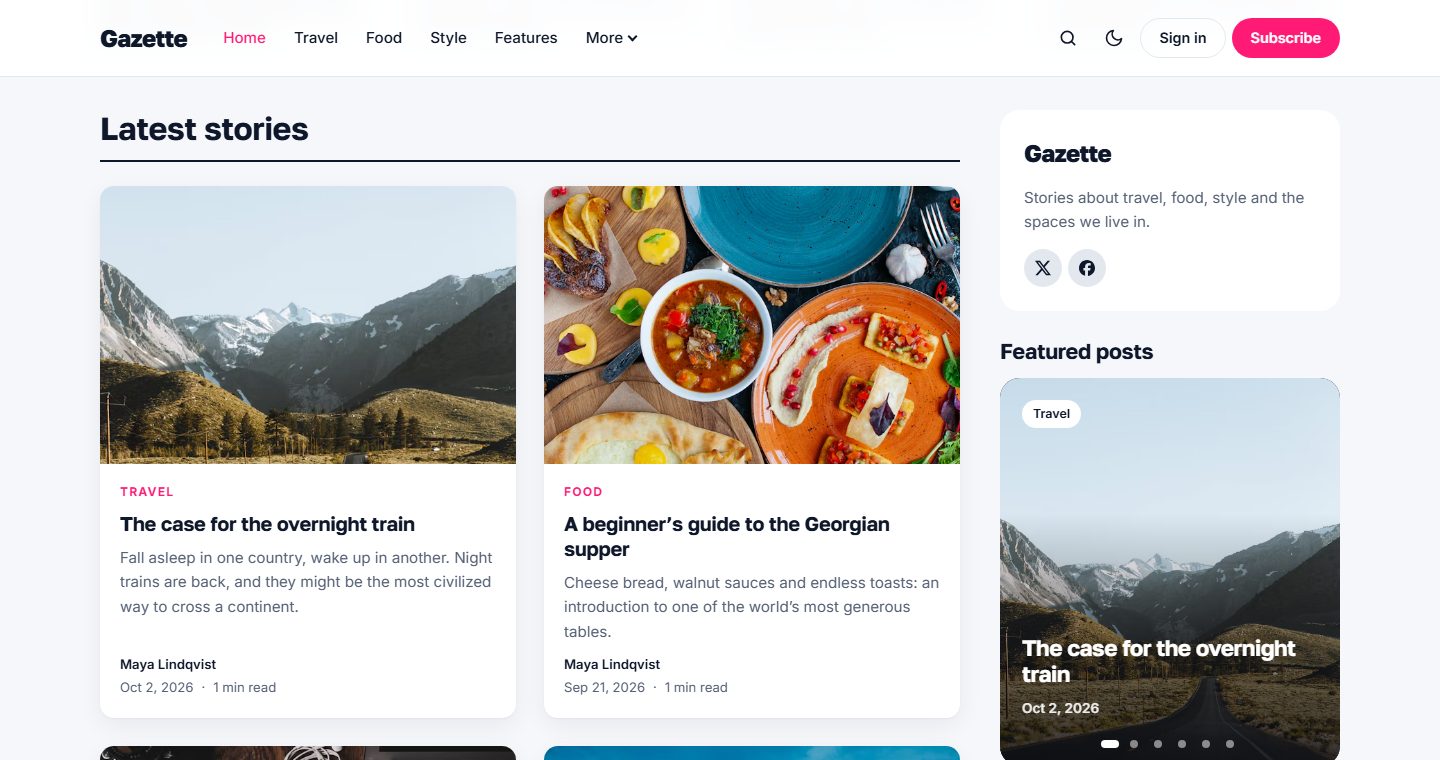
Below the slider come the latest stories, beside the sidebar, with a Load more button. Want to highlight a topic? Turn on the optional topic section. Every page ends with an invitation to join your community.
Prefer something simpler? Switch the Homepage layout setting to Grid for a clean grid of posts led by your most recent story.
Featured posts, hand-picked
Next to the latest stories, a sticky sidebar introduces your publication, lists your topics and shows a Featured posts widget: one story at a time, with dots to browse and a gentle autoplay.
You decide what appears there with a special tag. Add the internal tag #picks to a post and it joins the widget; remove the tag and it disappears. Internal tags are never shown to readers, so you can curate freely.
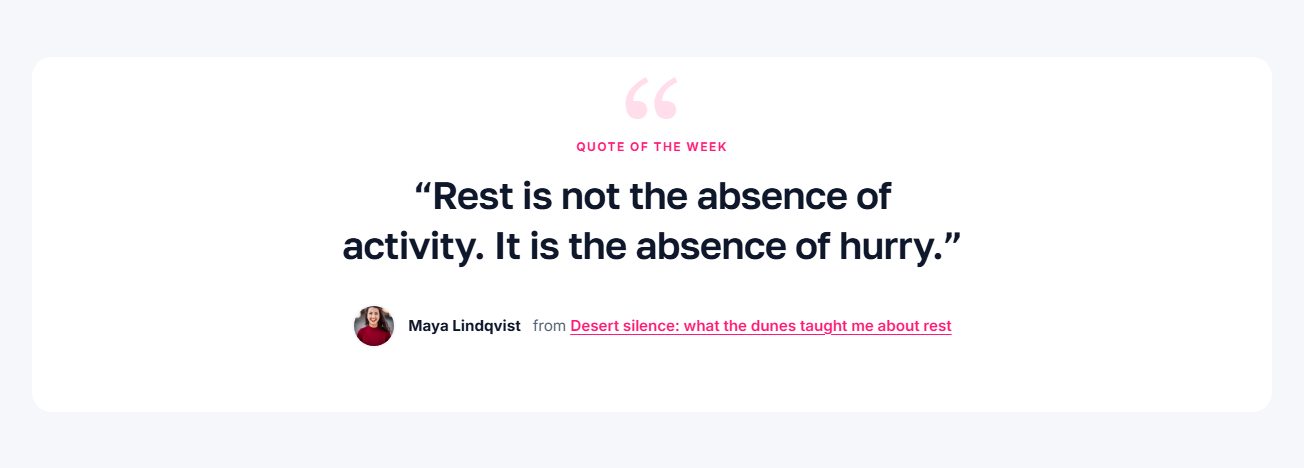
Quote of the week
A large typographic band puts one sentence in the spotlight. Tag a post with the internal tag #quote and its excerpt becomes the quote of the week, signed by the author and linked to the story. The most recent tagged post wins.
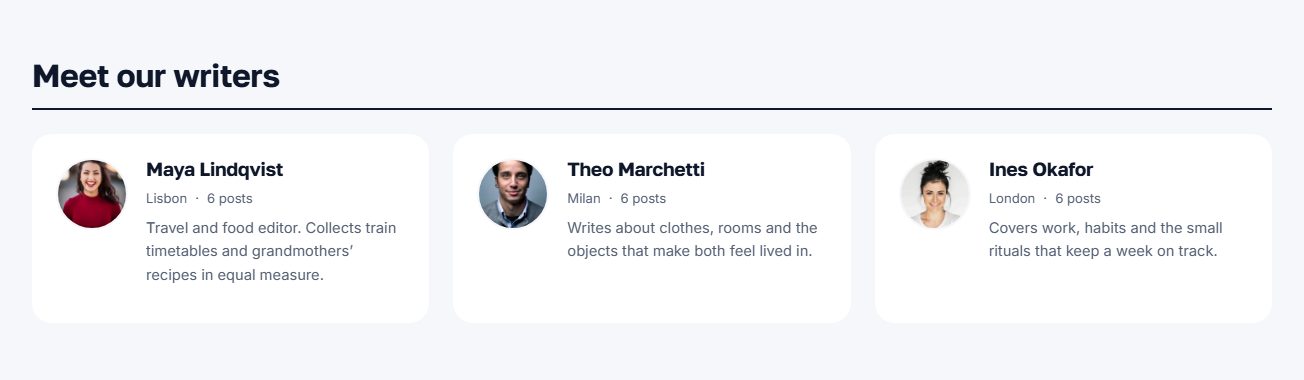
Meet our writers
Introduce the people behind the stories: a section shows your authors with their photo, location, bio, number of posts and social profiles, most active first.
Designed for reading
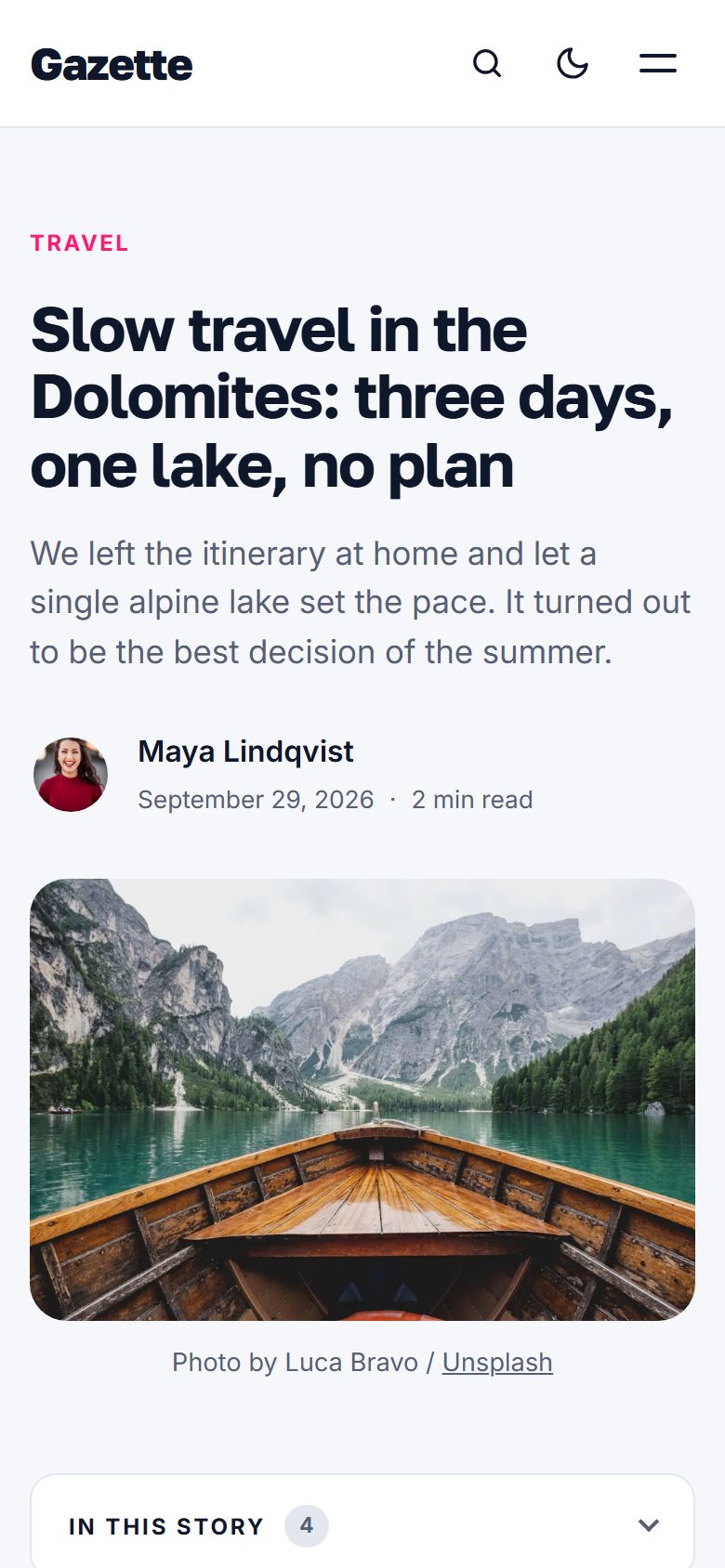
Articles use a calm, single-column layout with Golos Text headings and Inter body copy. Long reads get a table of contents, built automatically from your headings, and a thin reading progress bar at the top of the screen.
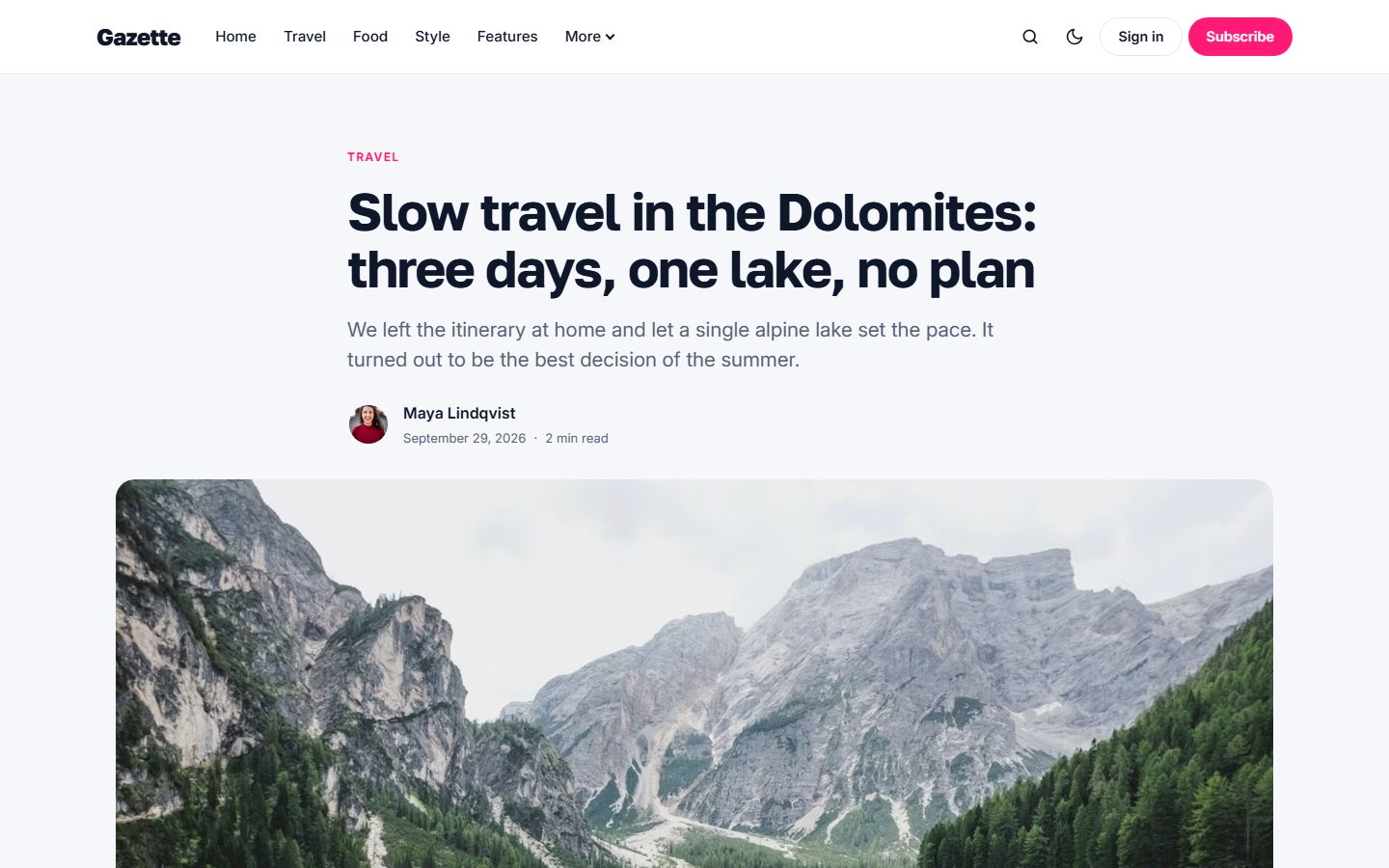
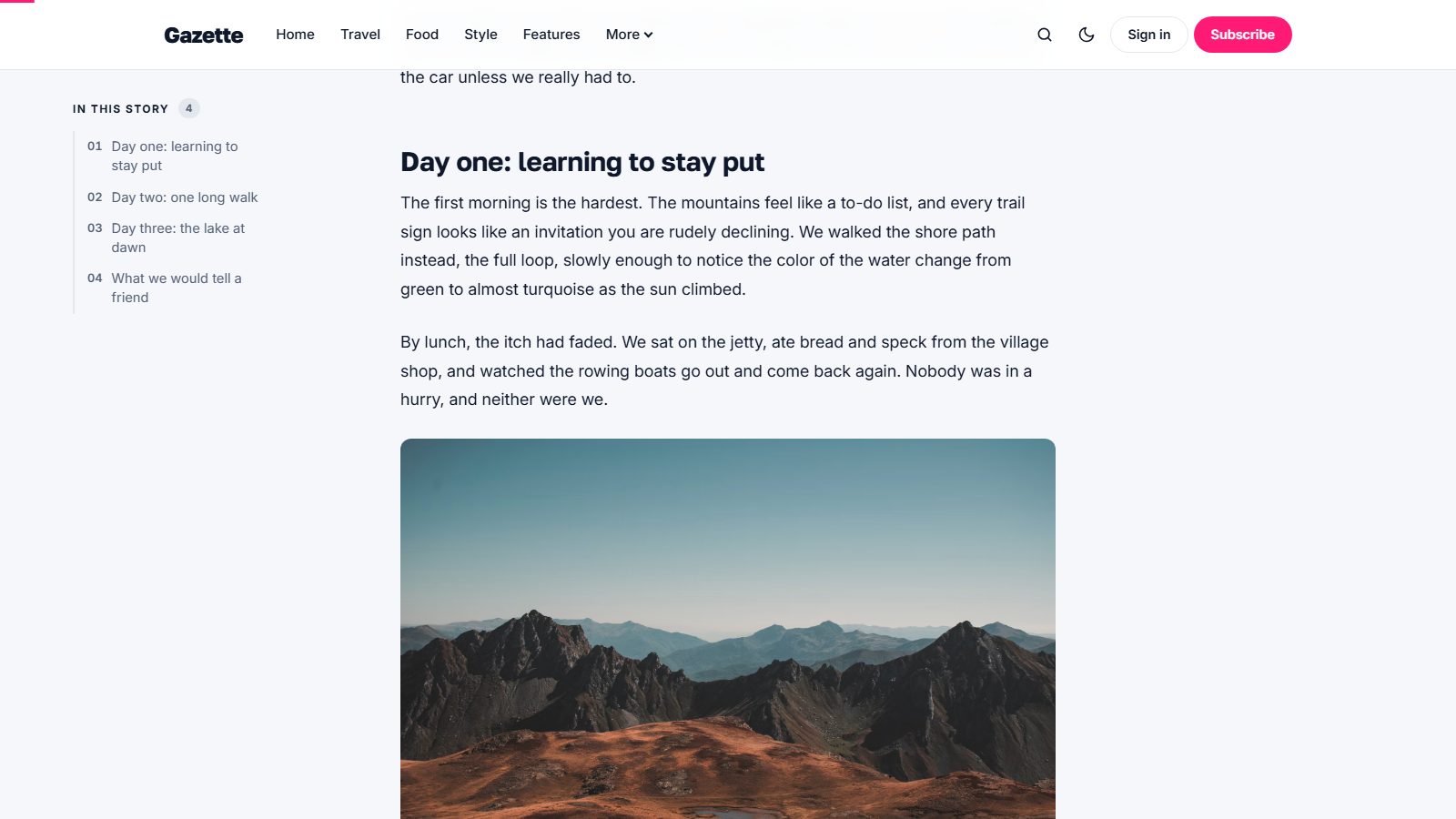
At the end of each article: tags, share buttons, an author card, Ghost comments and three related stories from the same topic.
Perfect on every screen
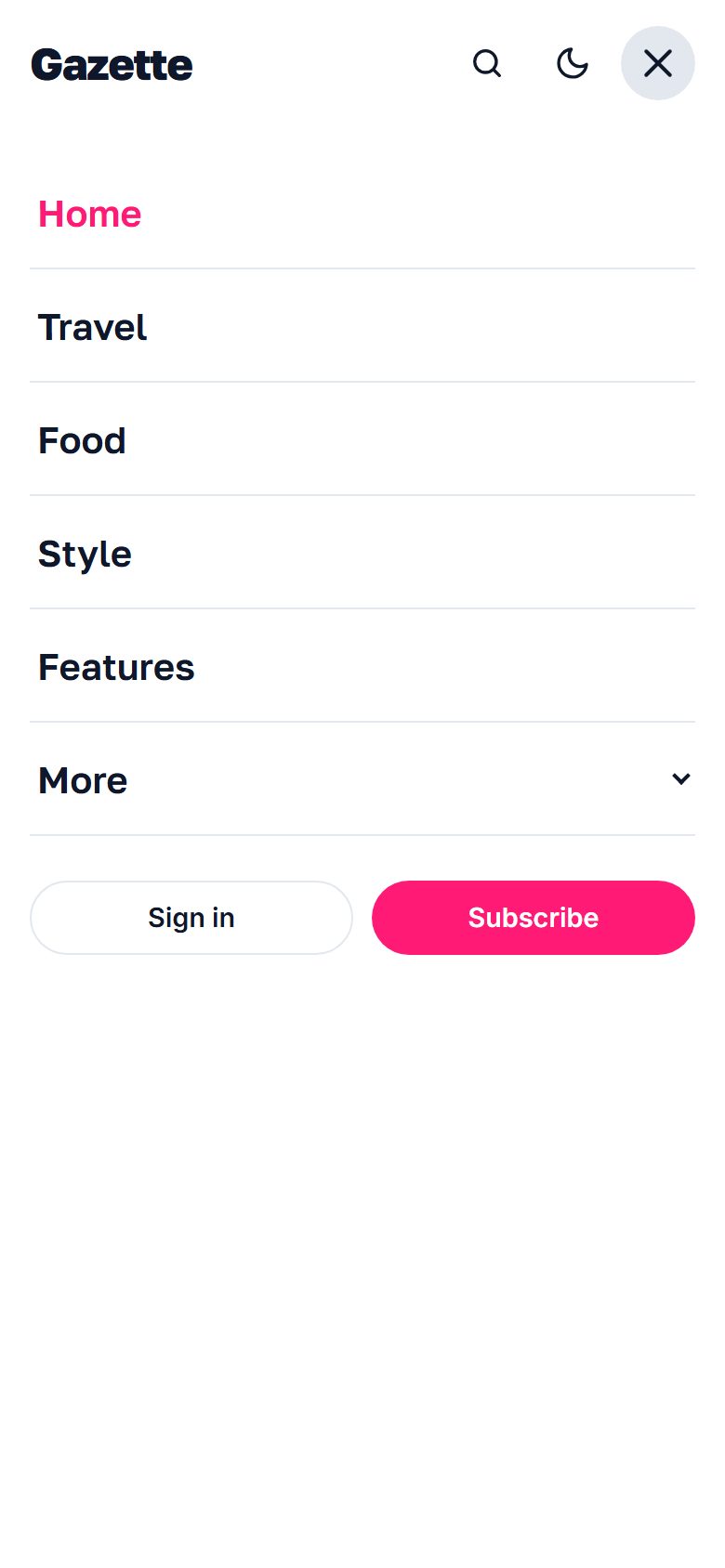
Gazette is designed mobile first. The slider becomes swipeable, the menu turns into a full-screen panel, and every tap target is large enough for a thumb.
Light, dark or automatic
Choose the default color scheme in the theme settings: Light, Dark or Auto, which follows the reader’s system. Readers can switch at any time with the toggle in the header, and their choice is remembered. You can even upload a second logo for dark mode.
Topics and authors
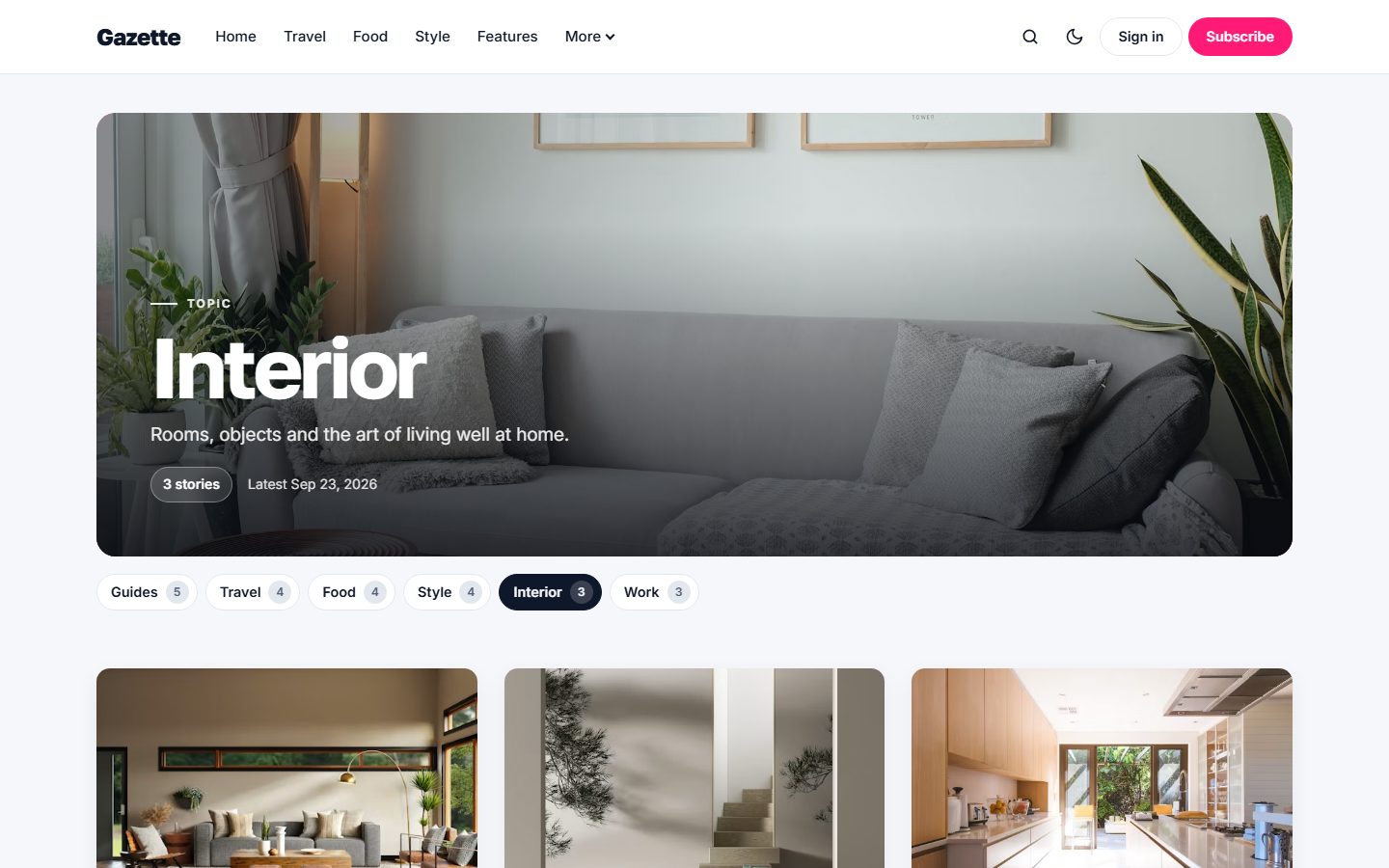
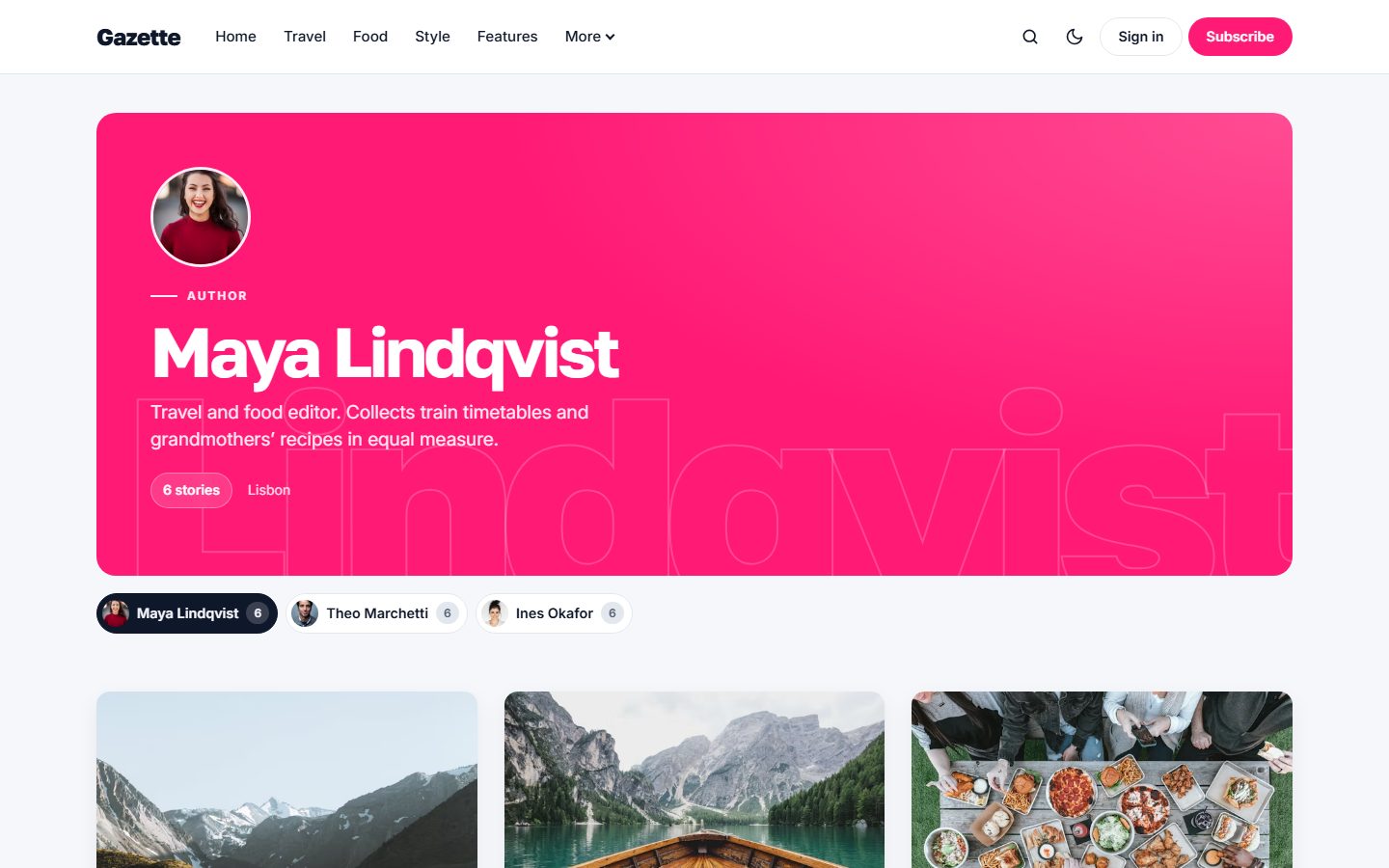
Tag and author pages open like a magazine section: a large cover with the tag image, or the author’s cover, portrait, bio and social profiles. No image? The cover switches to your accent color with the name as a giant watermark. Underneath, a row of chips lets readers jump to another topic or writer.
Theme settings
All options live in Settings → Design & branding, with no code required.
- Color scheme: Light, Dark or Auto.
- Logo for dark mode: an optional alternative logo.
- Footer text: a short tagline under your logo in the footer.
- Other social links: paste extra profile URLs (Pinterest, WhatsApp, Telegram, Discord, GitHub, Dribbble, Behance, Spotify, Twitch, Snapchat, Reddit, Medium) and Gazette shows the right icon next to Ghost’s own social accounts.
- Newsletter heading and text: the copy of every newsletter block.
- Homepage layout: Front page or Grid.
- Topic section: optionally highlight one tag right after the slider, for example
travel. - Homepage sections: switch each part of the homepage on or off: featured slider, topic section, quote of the week, writers, sidebar and each sidebar block, plus the newsletter block at the bottom of every page.
- Table of contents: on or off for long articles.
Gazette also follows your accent color and supports Ghost’s custom fonts, so you can change the typography in a couple of clicks.
Featured posts
Mark a post as Featured in the post settings and it joins the main slider, up to five stories. The most recent featured post comes first.
Navigation with dropdowns
Ghost menus are flat, but Gazette adds dropdowns. In Settings → Navigation, start a label with a dash, like -Interior, and it becomes a sub-item of the link above it. The parent item then simply opens the dropdown.
Everything Ghost offers
- Members, free and paid subscriptions, with members-only and paid-only posts.
- Newsletter signup forms connected to Ghost.
- Native search, opened from the header or with
Ctrl/Cmd + K. - Ghost comments with comment counts.
- All editor cards: images, galleries, callouts, toggles, buttons, bookmarks, embeds and more. See them all on the Styleguide page.
- SEO metadata, Open Graph and structured data generated by Ghost.
- Responsive images in modern formats, lazy loaded.
- Fully translatable: every text in the theme can be translated.